1 min read

Order stages management

Order stage management allows you to customize and organize your order workflow according to your business process. This guide explains how to add, match, rename, and delete stages within the order view, giving you full control over how orders move

Create new stage 

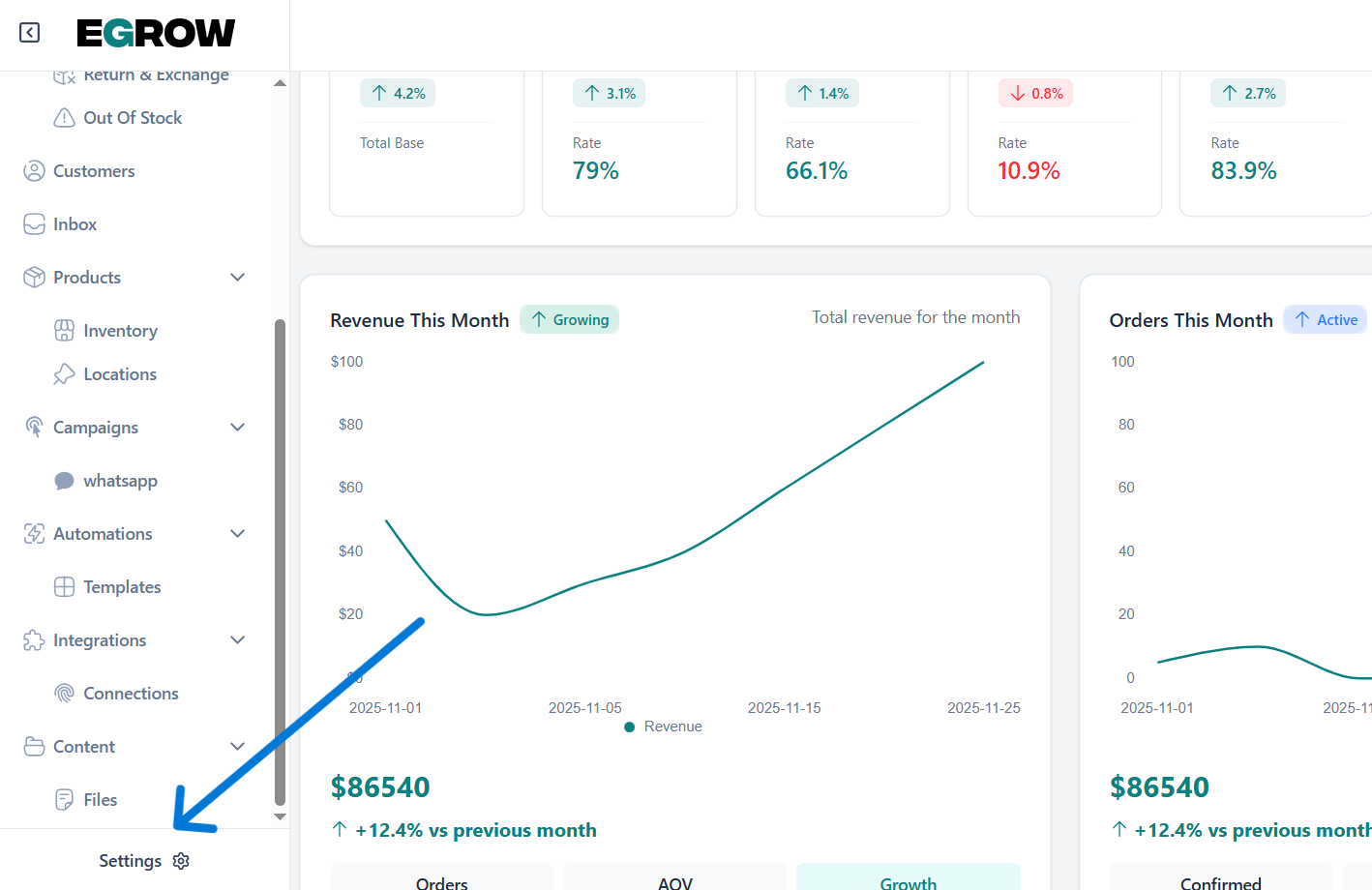
first thing you open the egrow V2 home page and go to settings
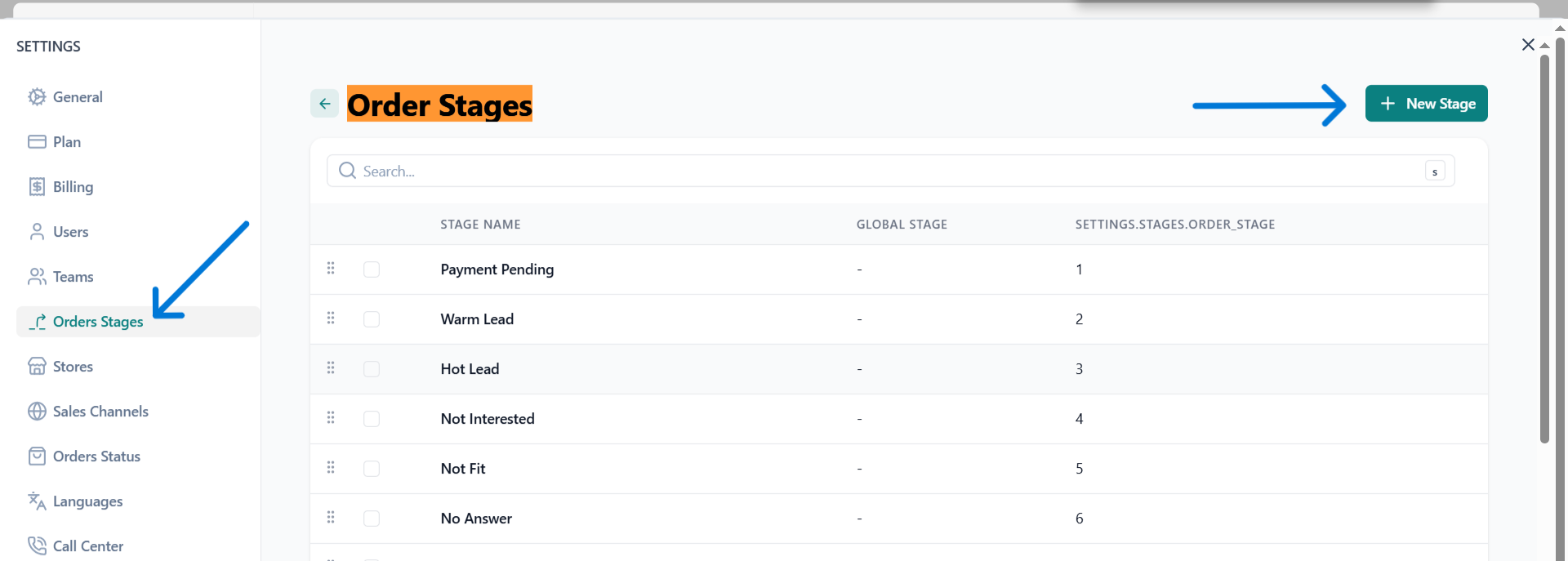
click on order stages then new stage and select the stages you want
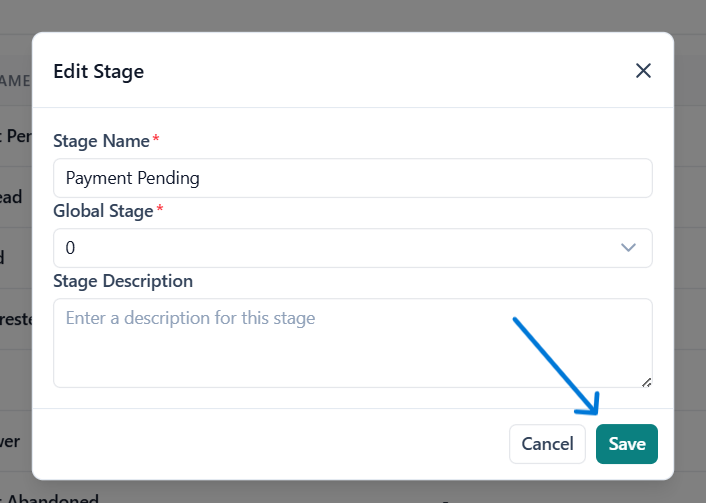
Make changes and press save
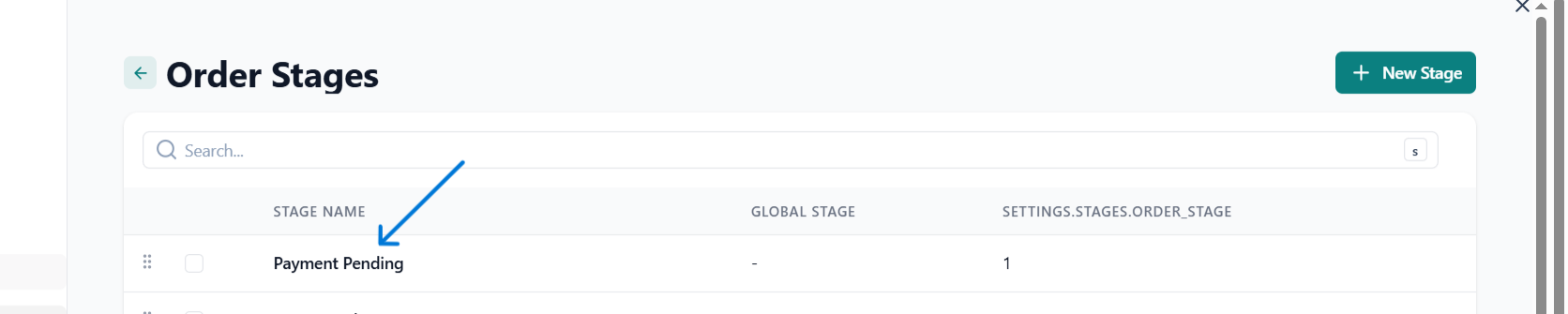
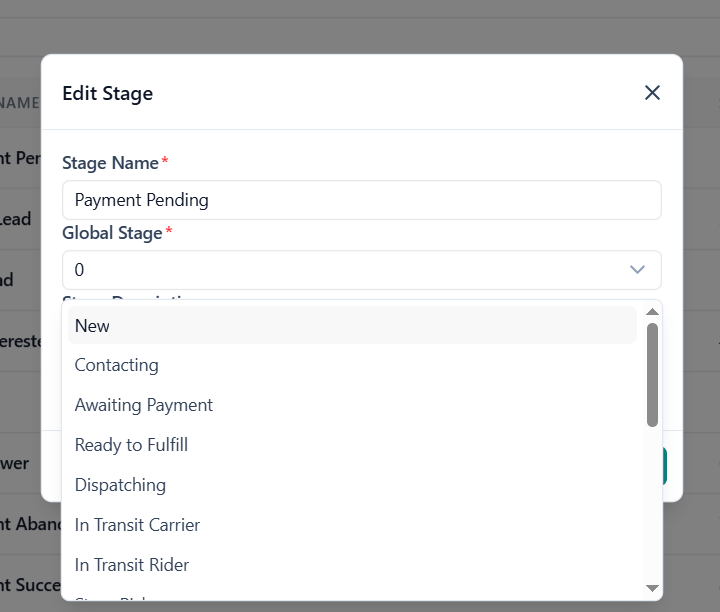
Edit created stage

to edit your order stage simply click on it and a popup will appear allowing you to edit by selecting a global stage (refers to a standardized step in the e-commerce order workflow that applies to all orders such as Confirmed, Processed, Shipped, Delivered, or Cancelled.)
Was this article helpful?

Related Articles

Can't find what you're looking for?

Our support team is here to help. Submit a ticket and we'll get back to you as soon as possible.

Contact Support
Need Help?