1 min read

how to connect new integrations

Connect eGrow with your favorite tools and services to automate your workflows. Seamlessly integrate e-commerce platforms, delivery partners, AI tools, and custom webhooks to centralize operations, reduce manual work, and scale your business efficiently.

Connect a new integration

From the home page click on integrations and then select the app you want to integrate.
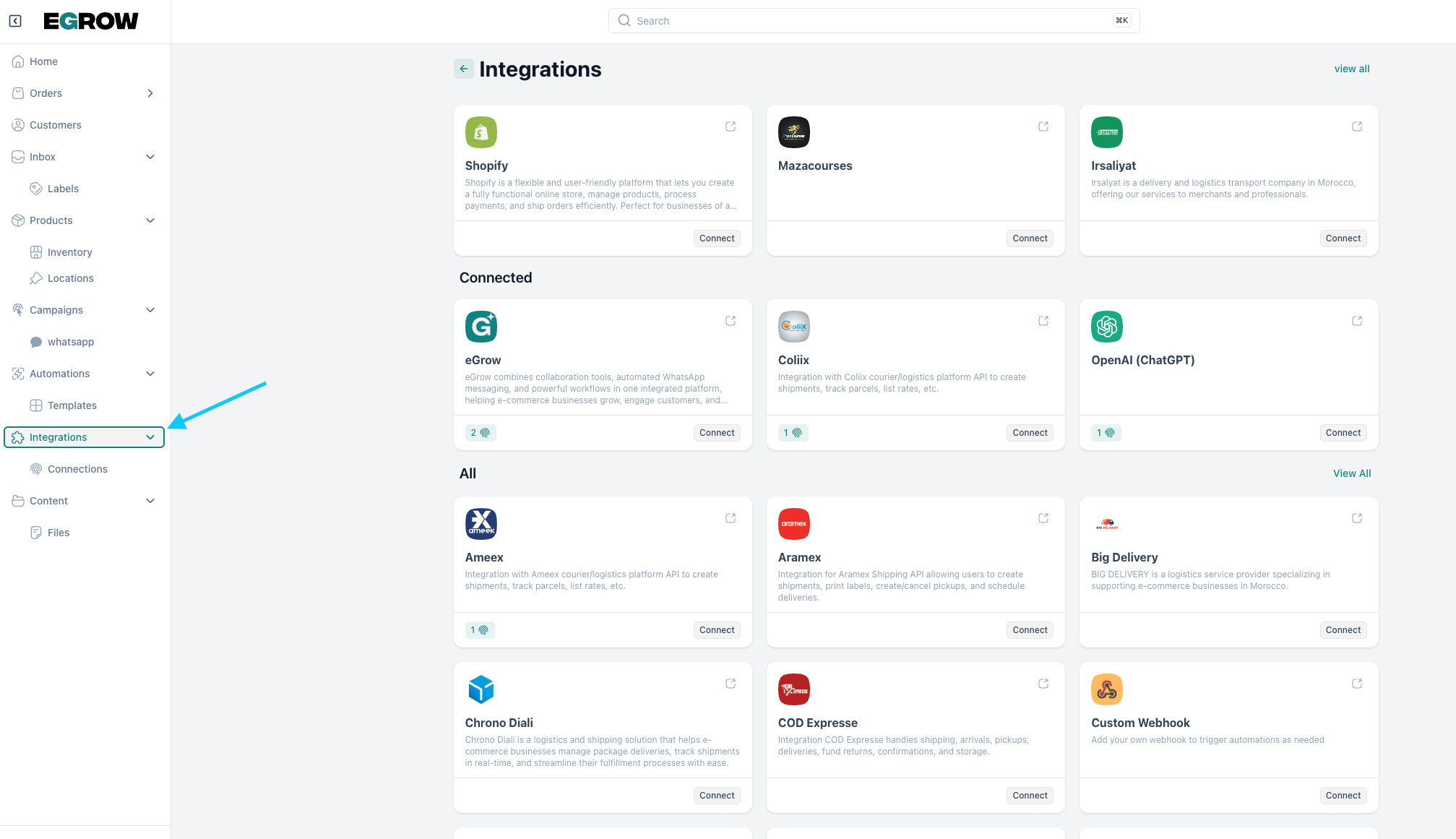
Example: 

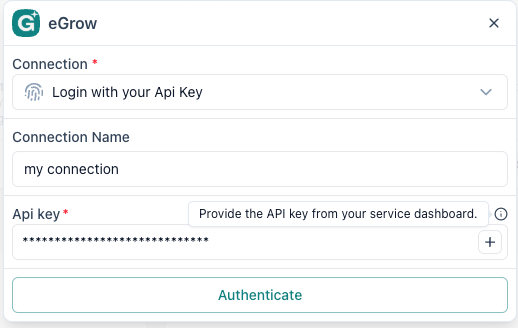
let's connect a new integration (eGrow)

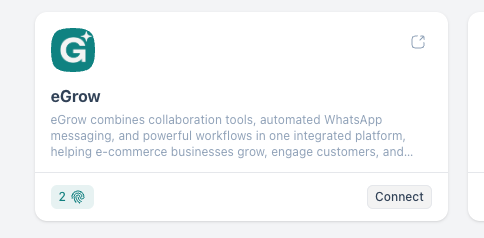
1- we click connect
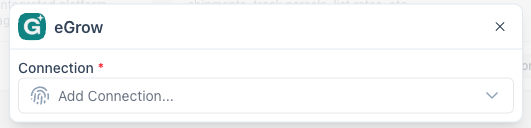
2- we add a connection
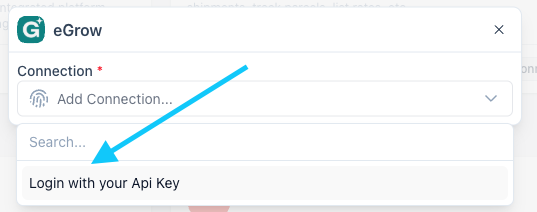
3- select loging with your Api key
4- enter the Api key and connect
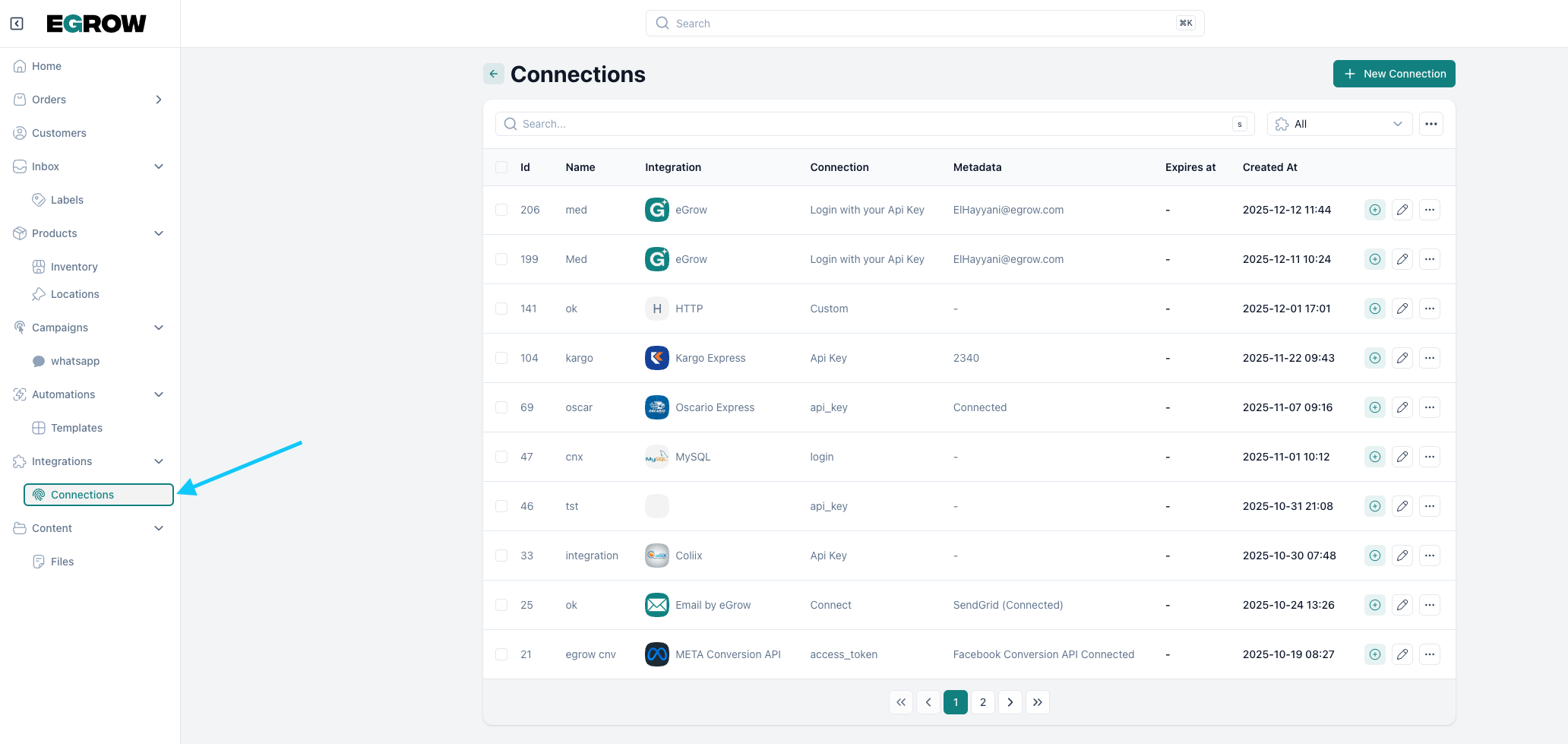
Manage connections :

from the home page click on connections 
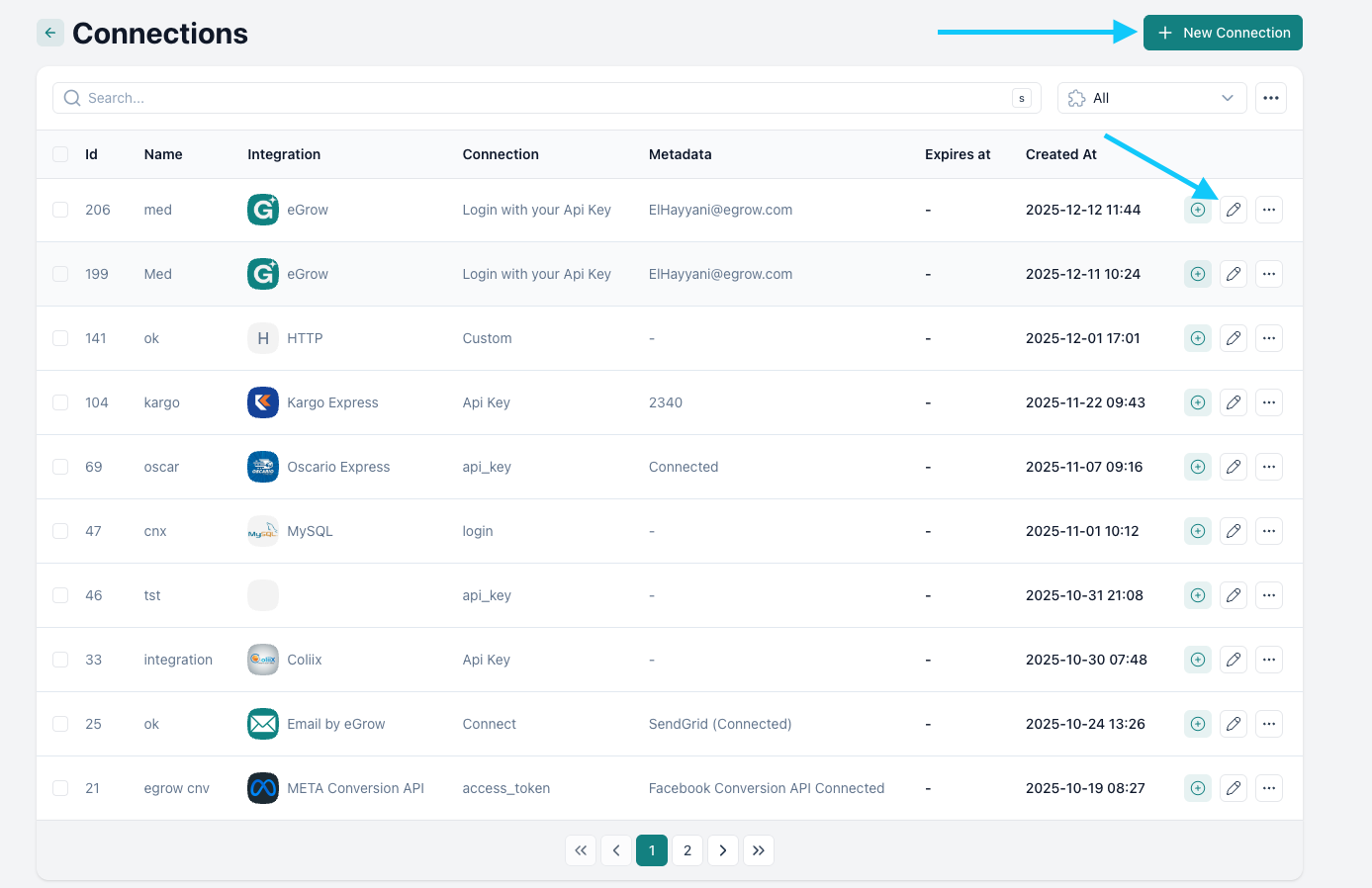
Manage your connections:

from the connections page you can edit new connections or add connection as shown below
Was this article helpful?

Related Articles

Can't find what you're looking for?

Our support team is here to help. Submit a ticket and we'll get back to you as soon as possible.

Contact Support
Need Help?