Managing sales channel
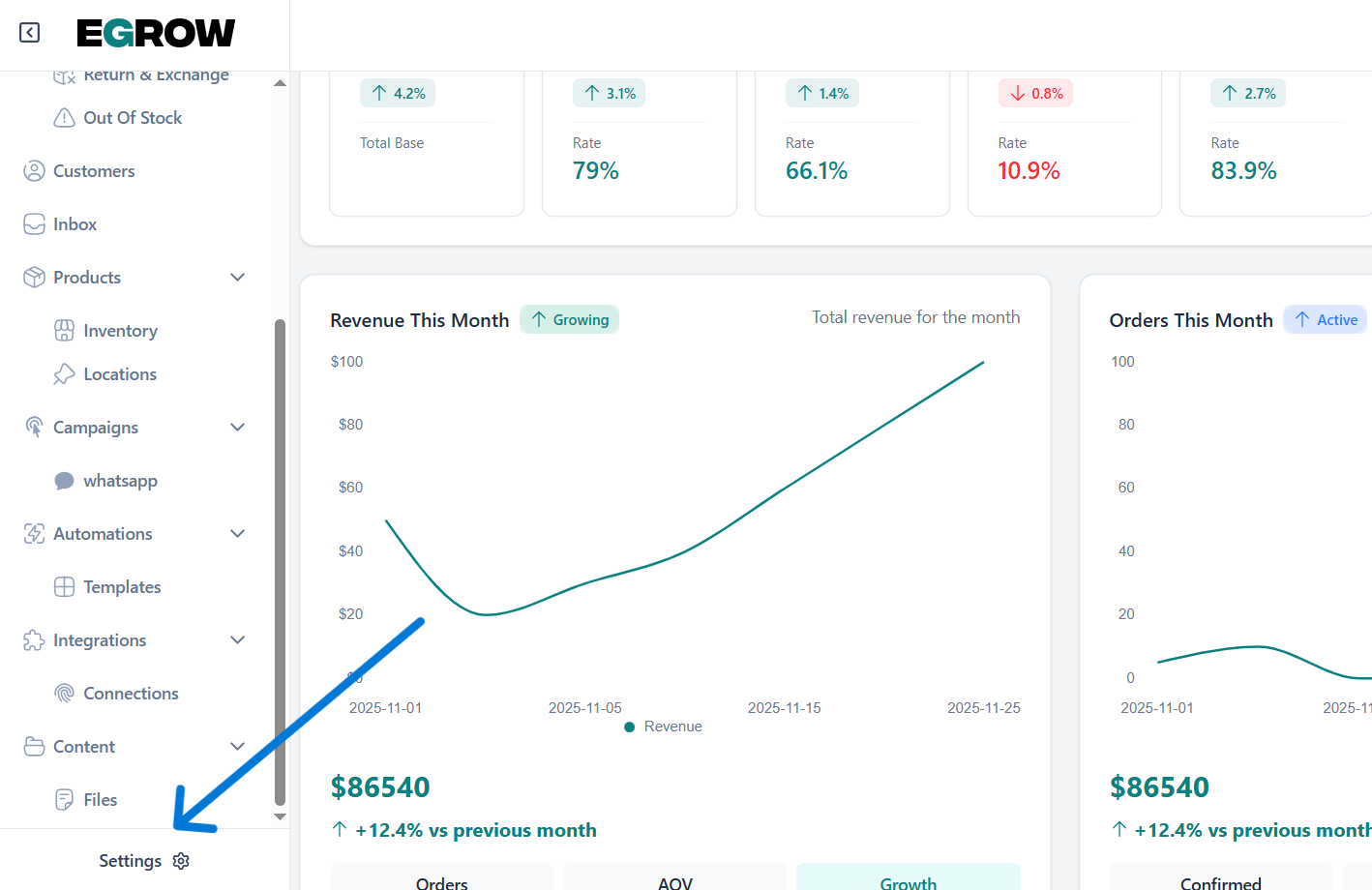
from the home page go to settings
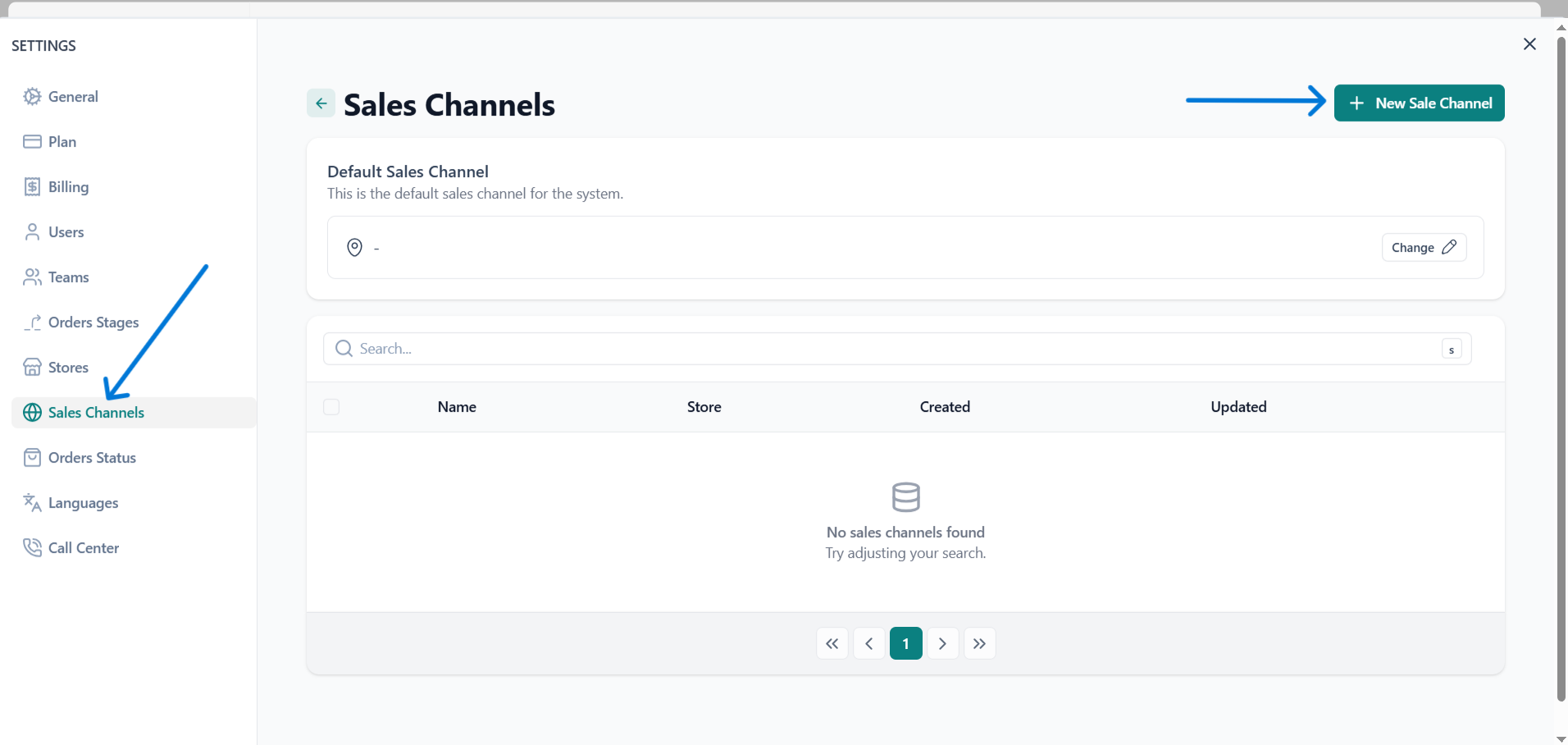
click on sales channels then create new sales channel
choose your settings then click save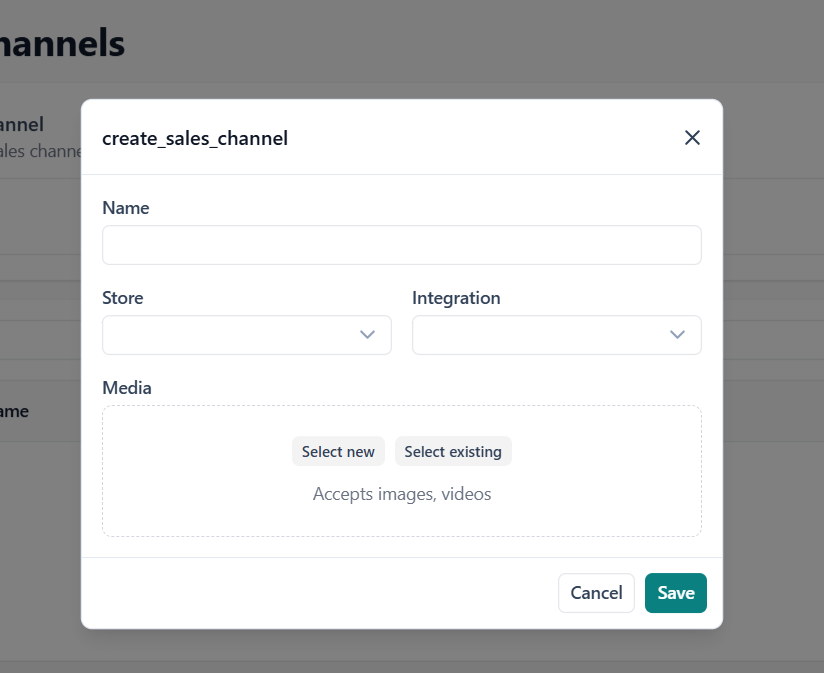
The Sales Channels section allows you to manage all the platforms through which your orders are received—such as online stores, marketplaces, or external integrations. From here, you can set a default sales channel for the system, create new channels, and organize them for better tracking and reporting. This page provides an overview of all existing channels, including their names, linked stores, and creation or update dates. When no channels are added yet, the section remains empty until you create your first sales channel through the New Sale Channel button.
from the home page go to settings
click on sales channels then create new sales channel
choose your settings then click save
Our support team is here to help. Submit a ticket and we'll get back to you as soon as possible.
Contact Support