Create a new store
from the home page go to settings 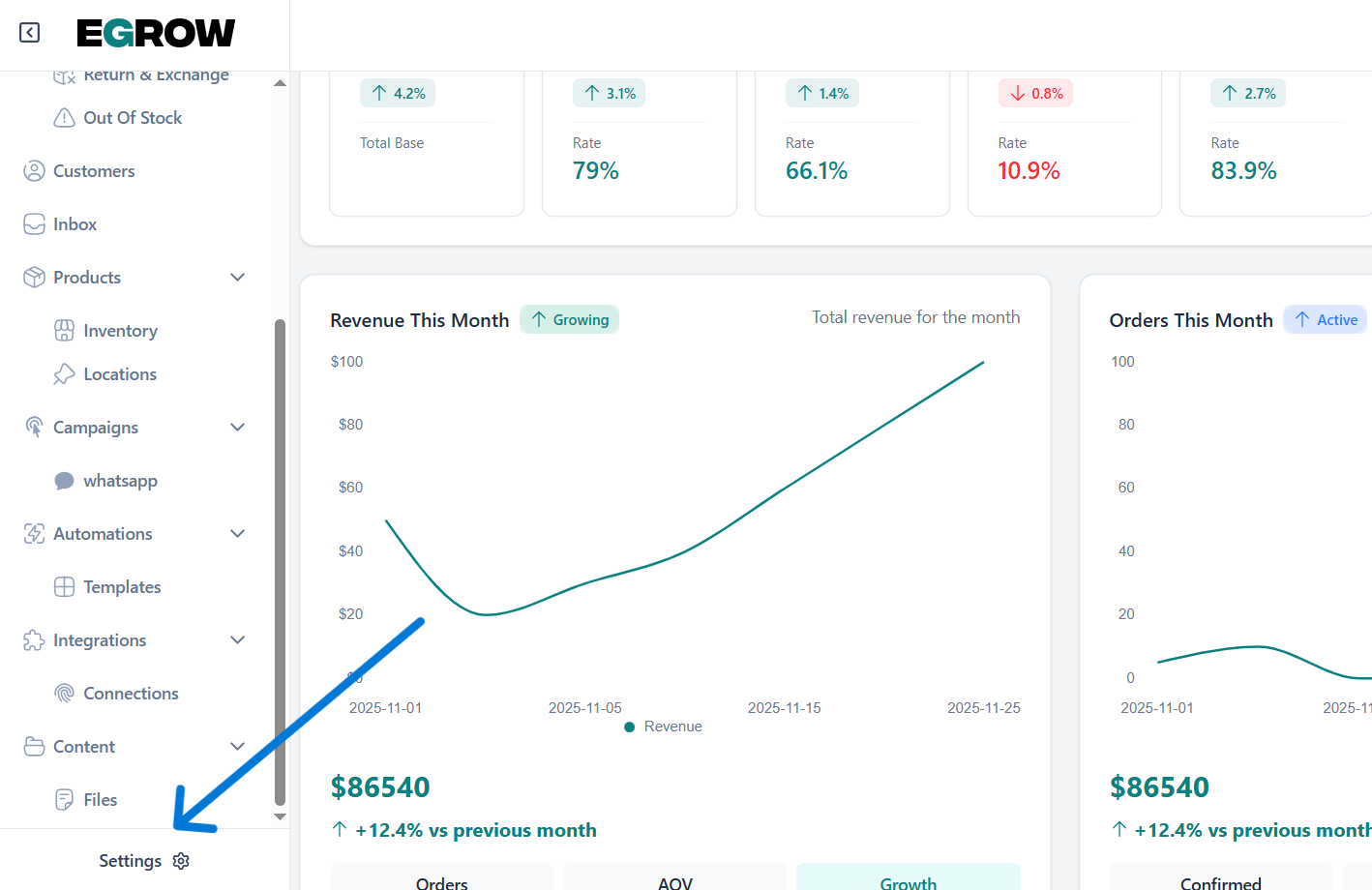
click on store and create a new store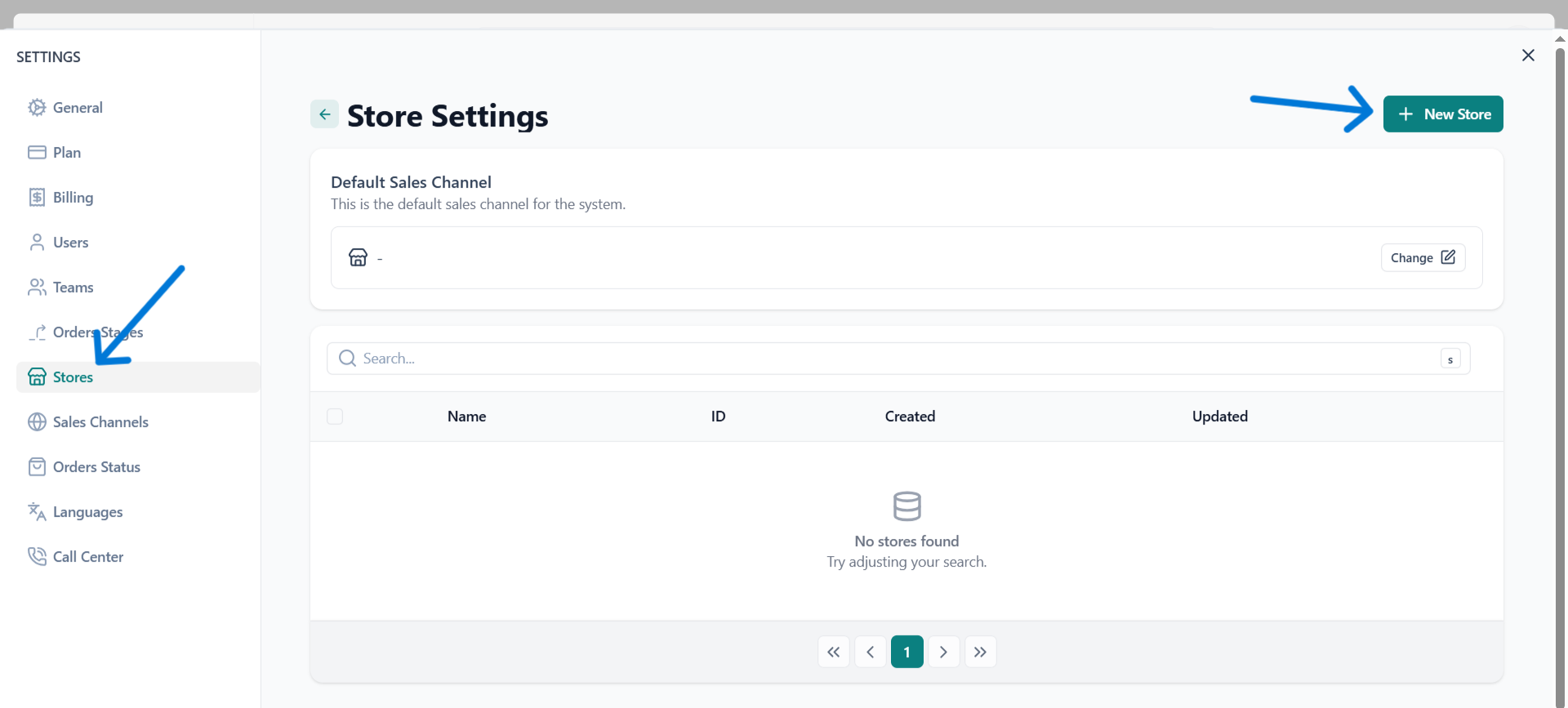
Edit store
hover and click on the store you want to edit
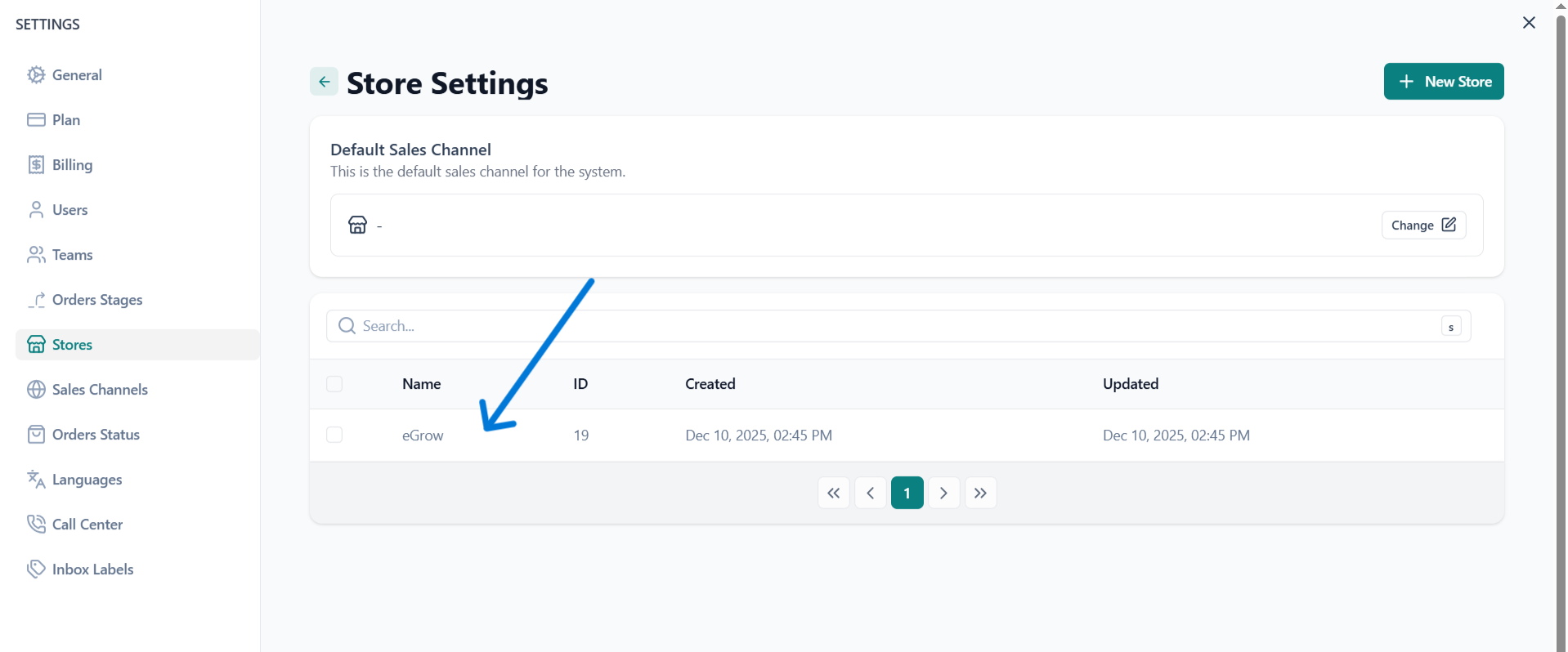
make changes and press save
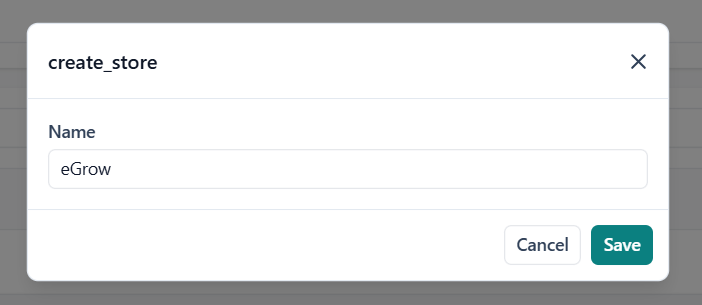
Manage all your stores seamlessly from a single dashboard. This section allows you to connect, organize, and monitor multiple stores, giving you a unified view of all incoming orders across your sales channels. Easily track performance, stay updated on order activity, and maintain full control over every store without switching between platforms.
from the home page go to settings
click on store and create a new store
hover and click on the store you want to edit
make changes and press save
Our support team is here to help. Submit a ticket and we'll get back to you as soon as possible.
Contact Support