Create your orders
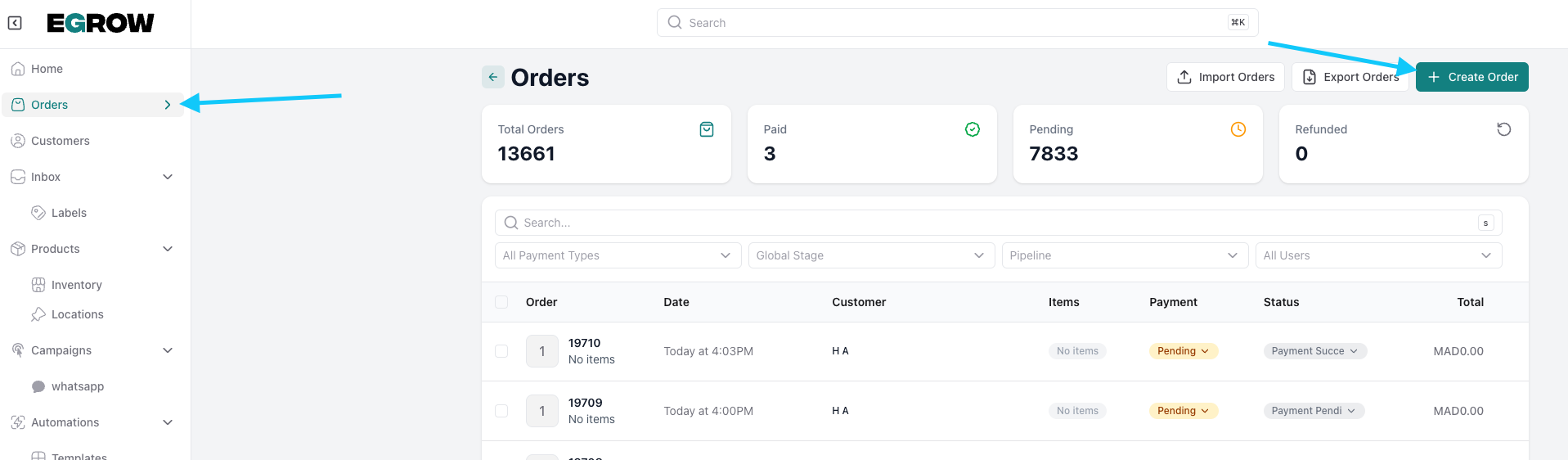
from the home section go to orders then create an order
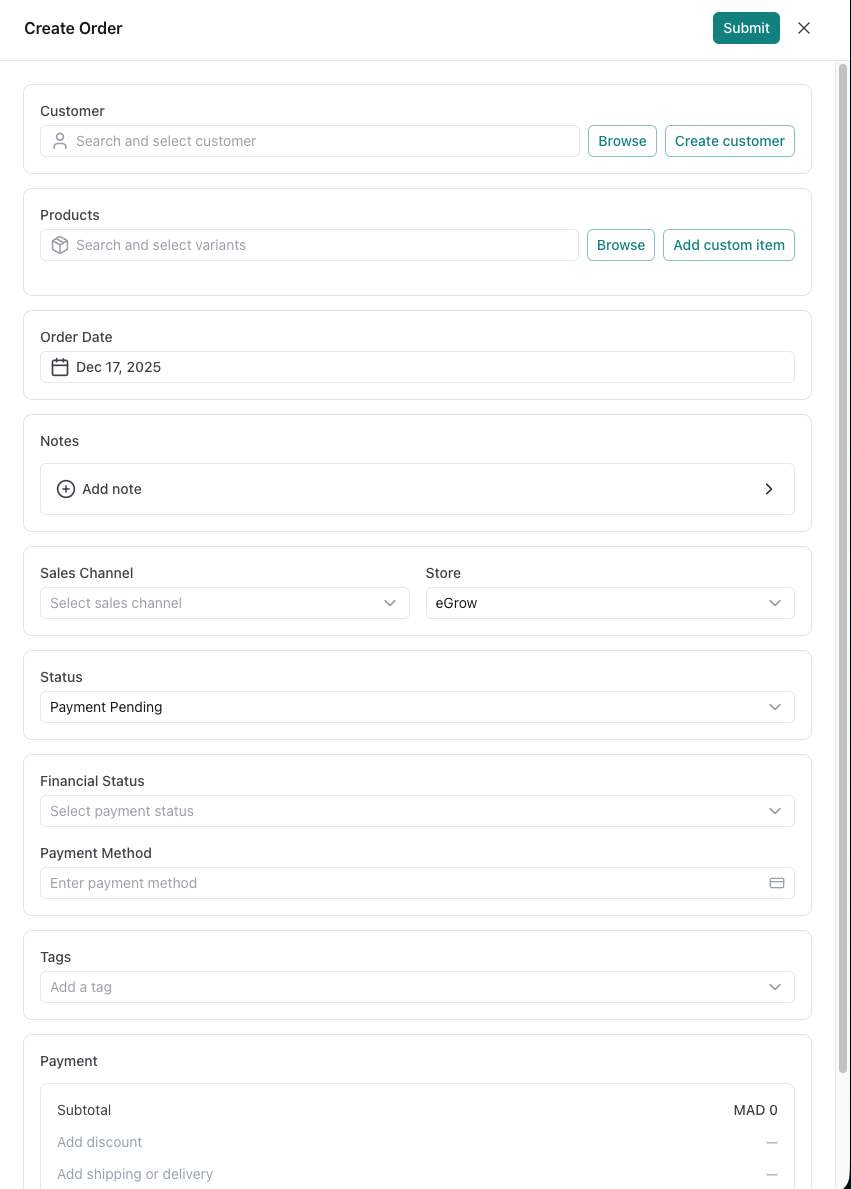
fill the blanks with the right informations
manage your orders
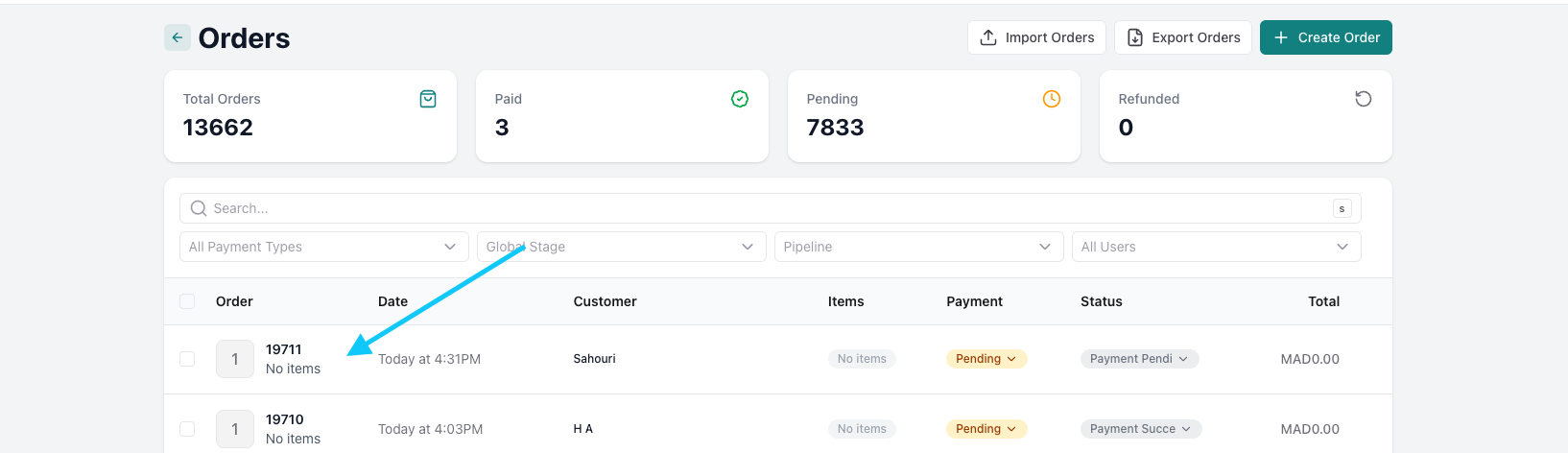
click on the order you want to manage
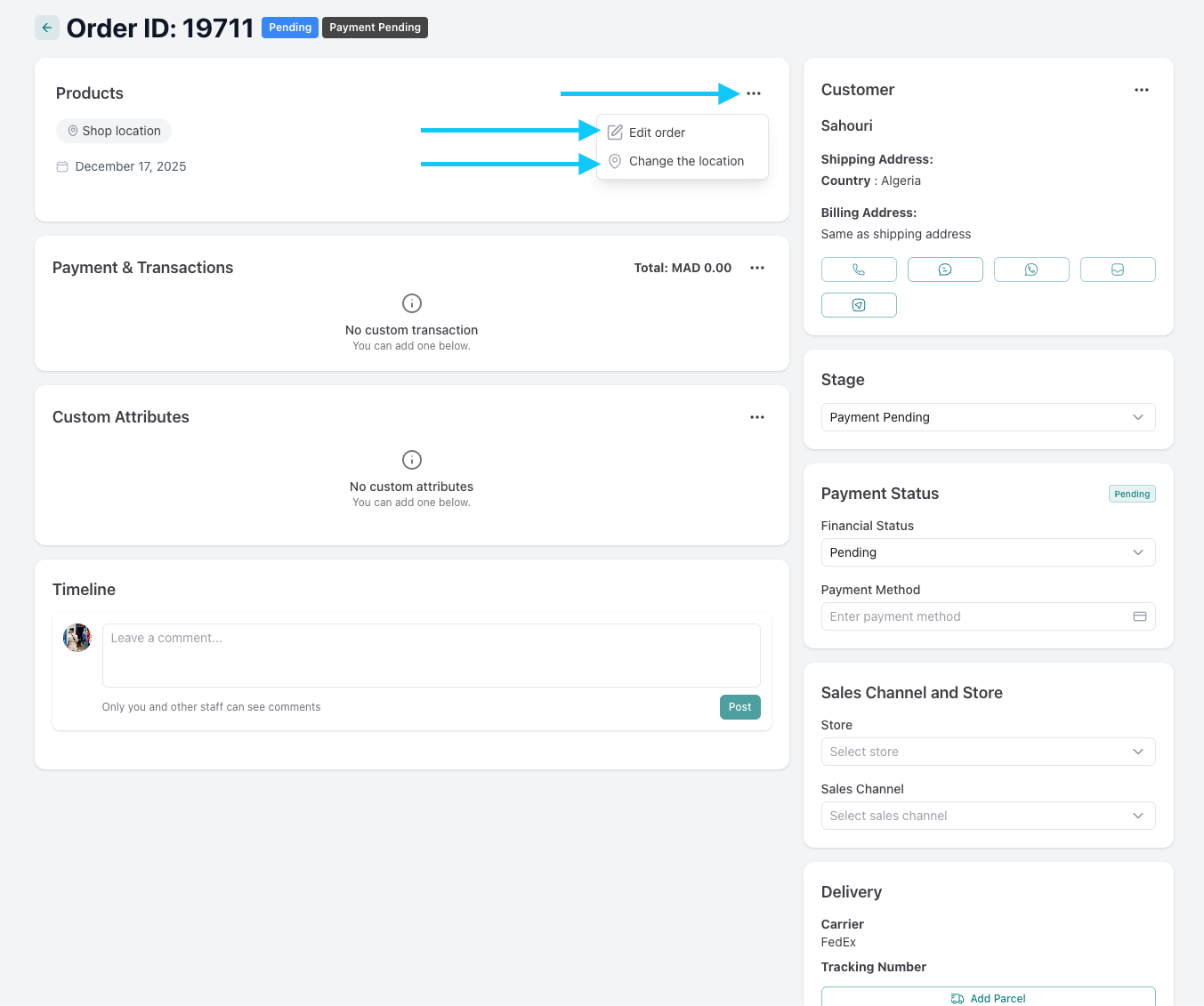
click the three dots on the top right of the products section to edit your order or change the location
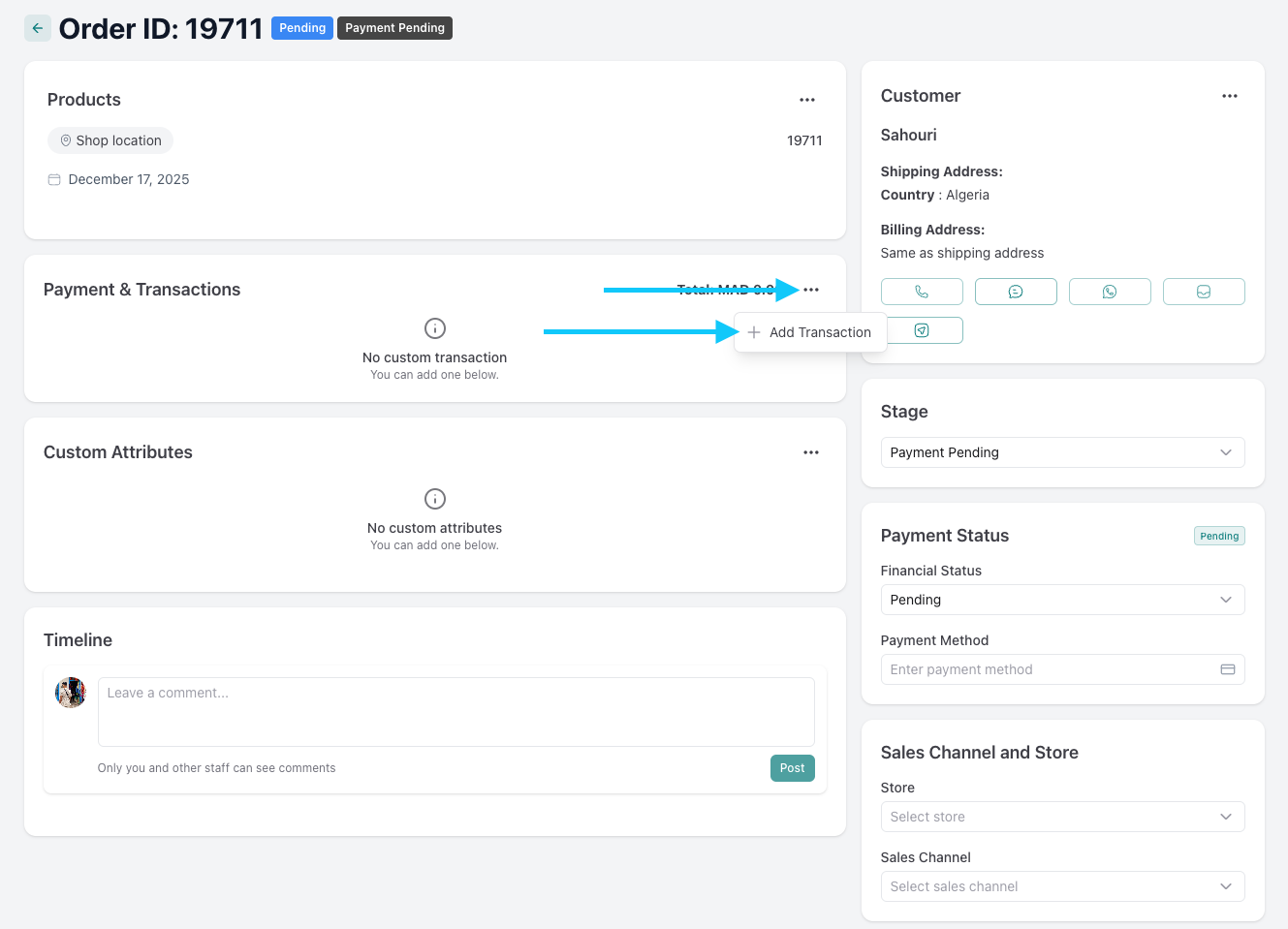
click the three dots on the top right of the payment & transactions section to add a transaction
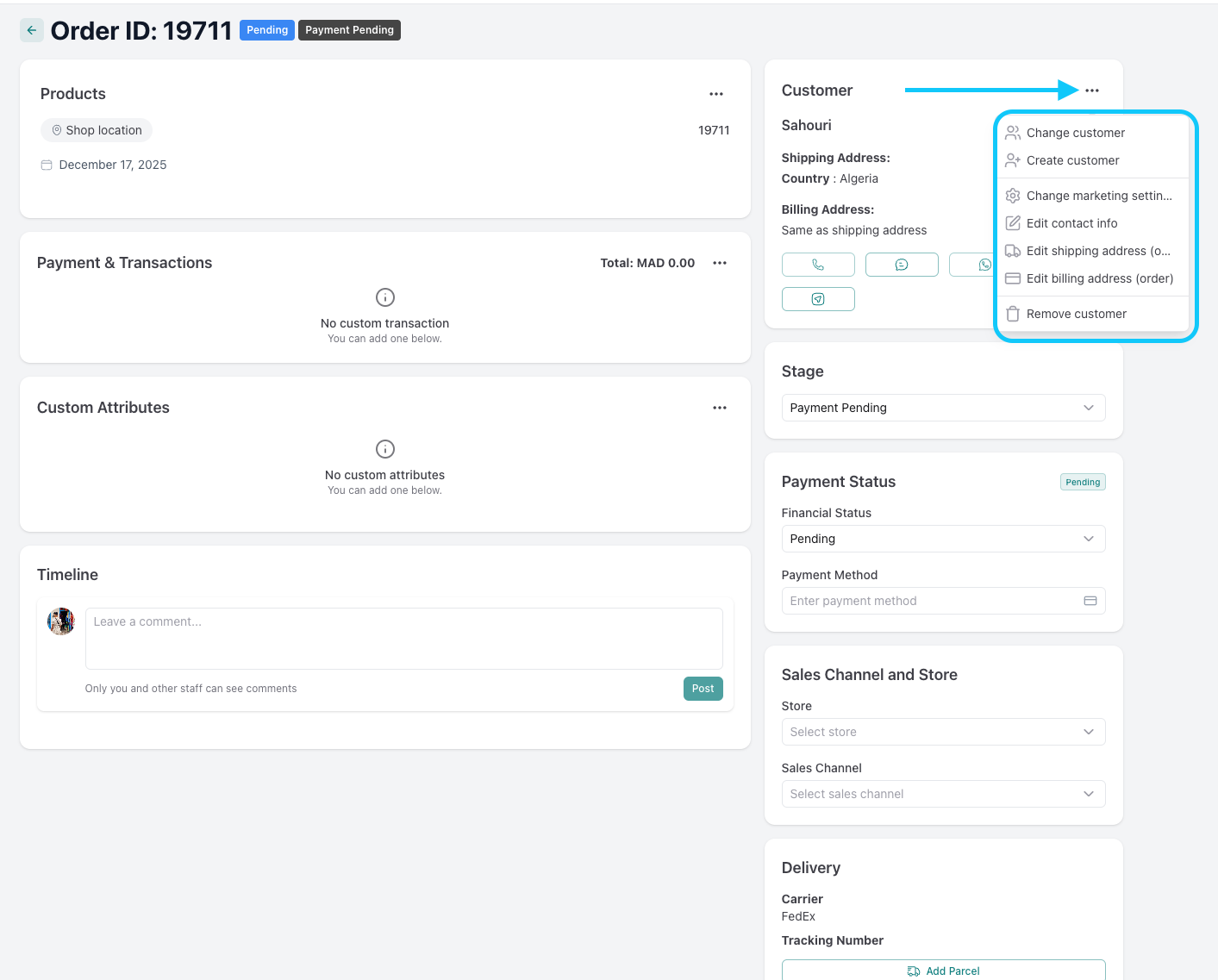
click the three dots on the top right of the costumer section to change/create costumer, change marketing settings, edit contact/shipping/billing infos, or remove a costumer
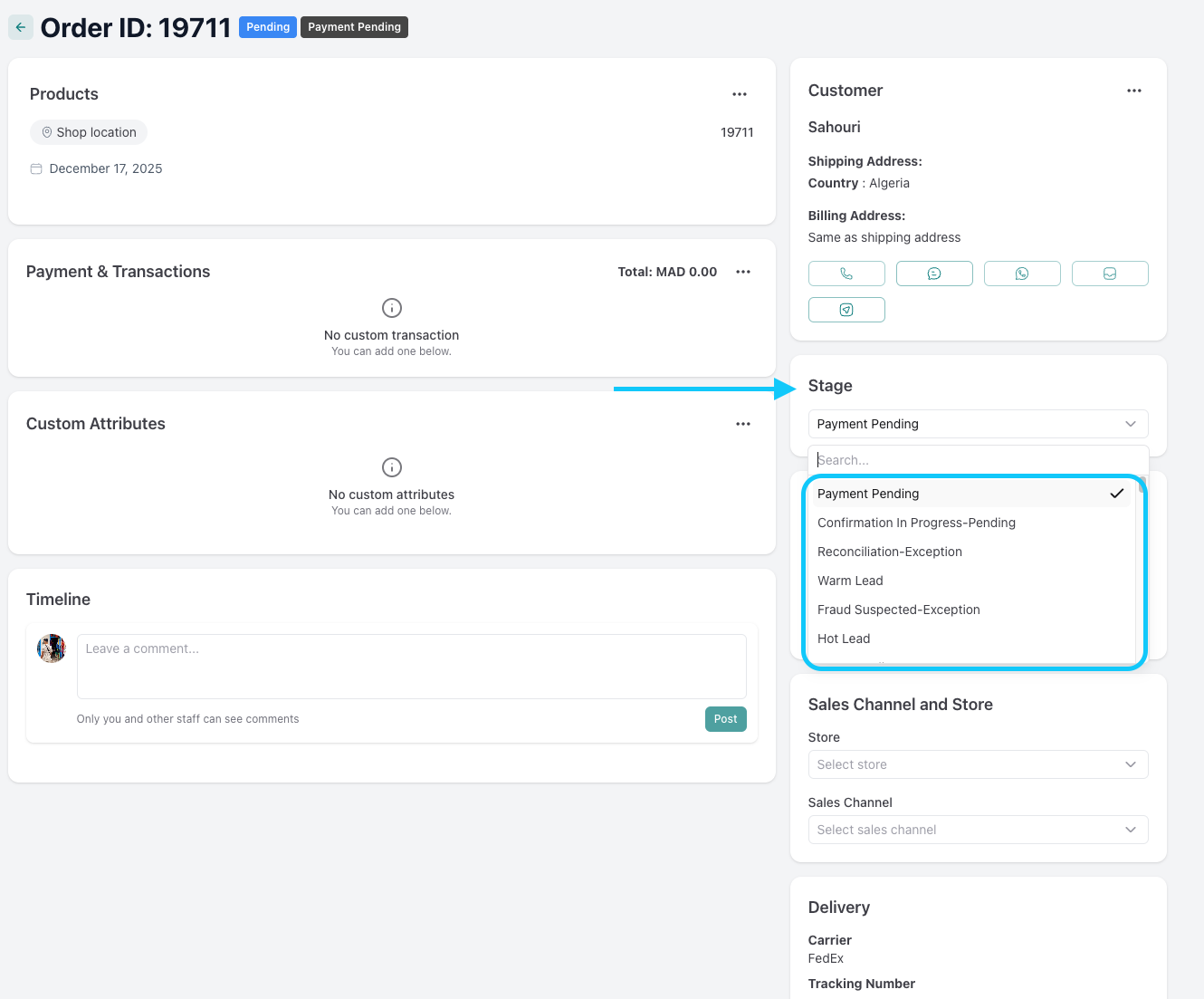
select the order stage from the stage section
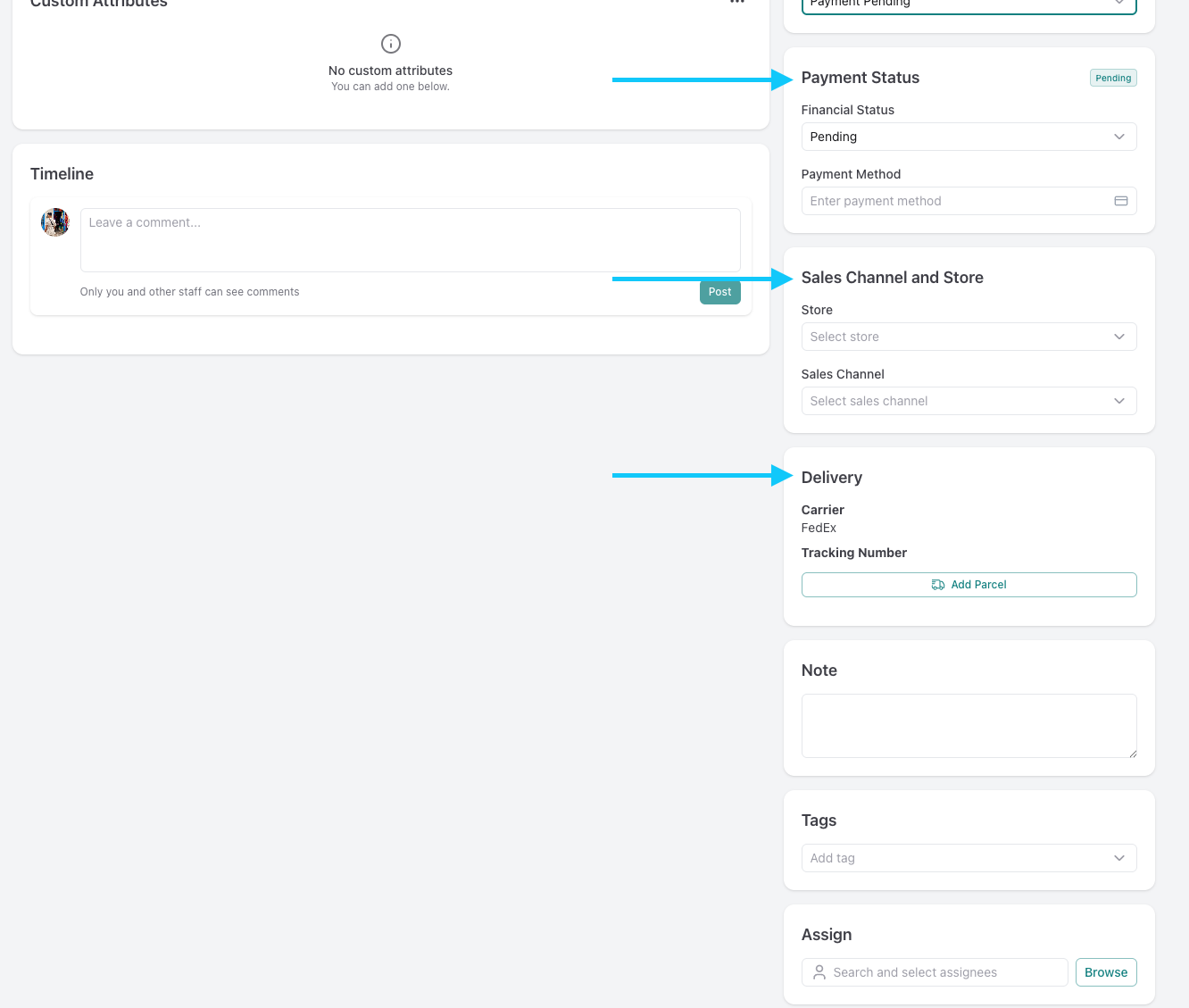
change the payment status, sales channel, store and delivery informations from the sections displayed bellow
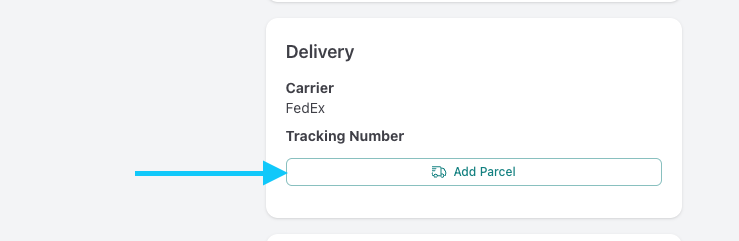
change the delivery company by clicking add parcel
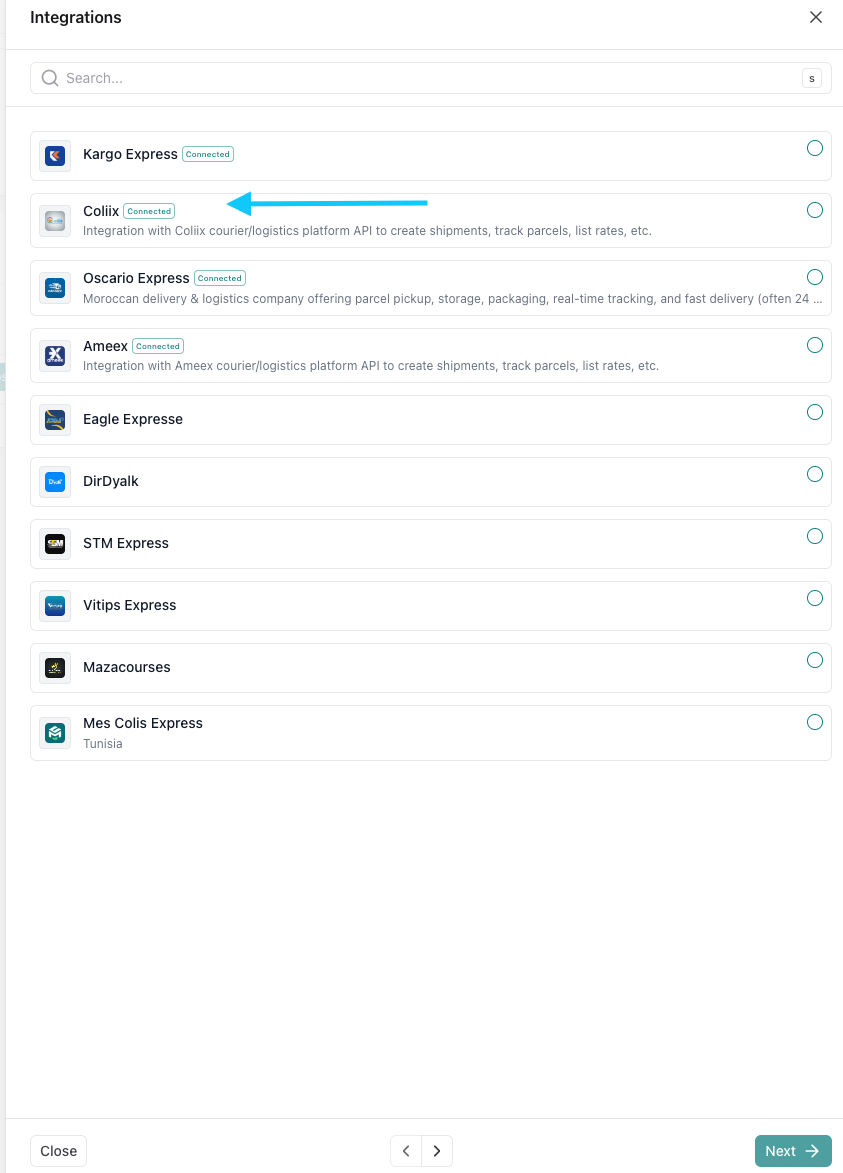
select your delivery company and press next
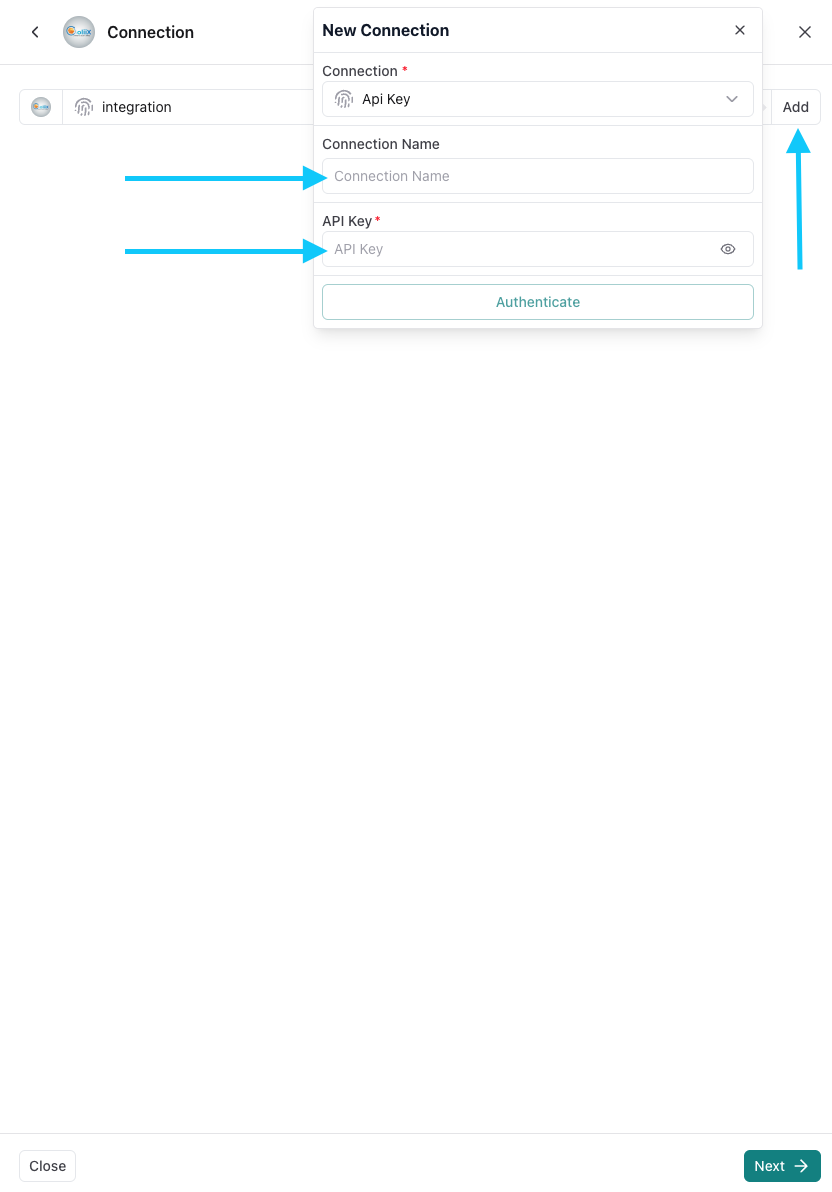
insert the integration's infos and connect